Model Lab Overview
API Router Labs provide hands-on workspaces for chat, image, video, and audio models available to your tenant.
Use the lab to test different models, compare models' outputs, and tune configurations to find the best setup for your application.
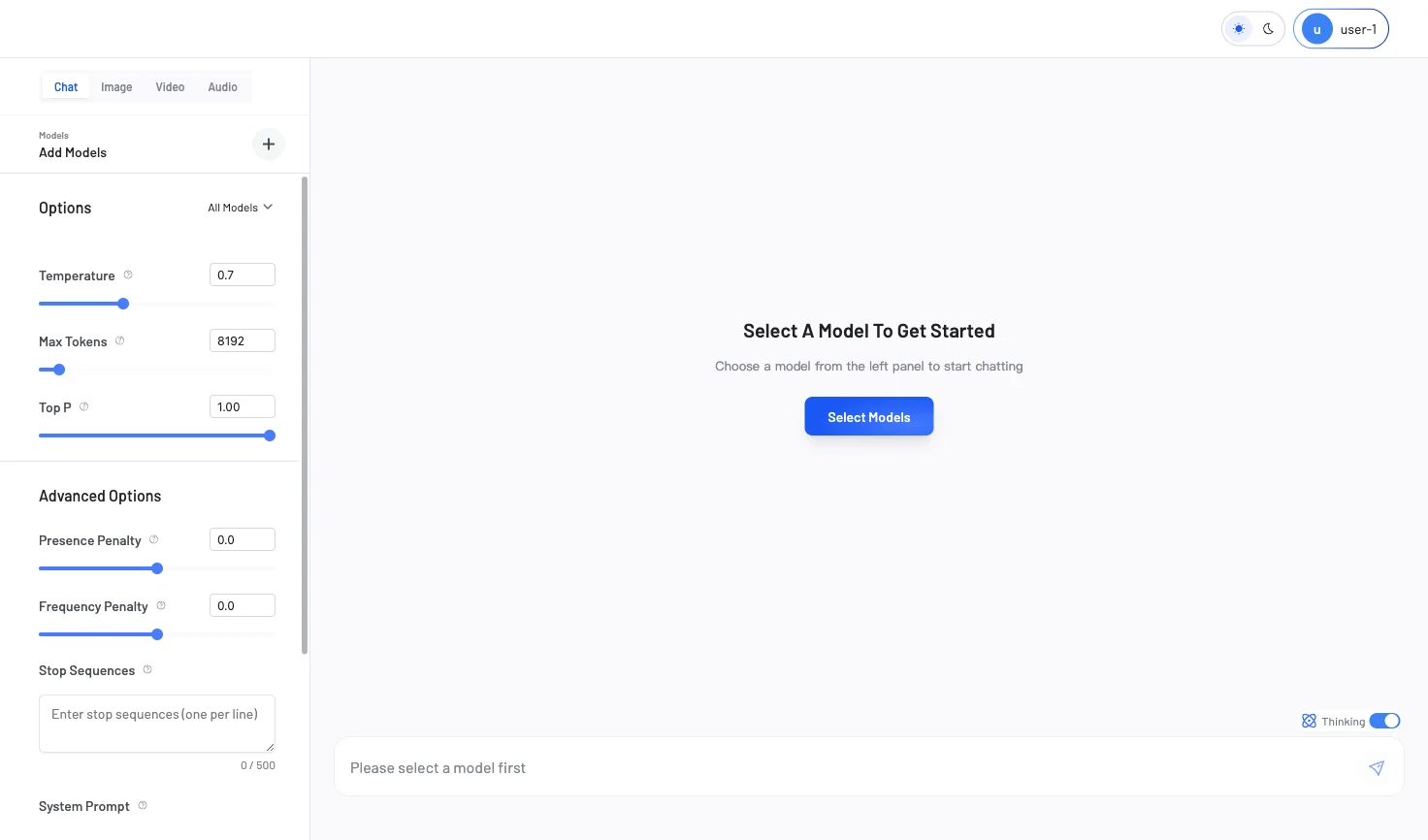
Key Features
Test chat, image, and video models with your own prompts. Evaluate output quality and generation speed in real time.
Run the same prompt across multiple models side by side. Compare outputs to spot differences in quality, style, and latency.
Each model type comes with its own configuration options. Adjust them in real time and see how they affect the output instantly.
Export your configuration as a ready-to-use code snippet. Model Lab generates cURL or Python code with your exact model and parameter settings.
Supported Modes
Choose a modality to start testing and configuring models.
Test image generation models. Generate visual content by adjusting size and prompt to meet your design requirements.
Experiment with video generation models. Configure size, duration and your prompt to generate dynamic visual content.
Test supported text-to-speech and audio-input models with the fields exposed by the selected model.