Storage
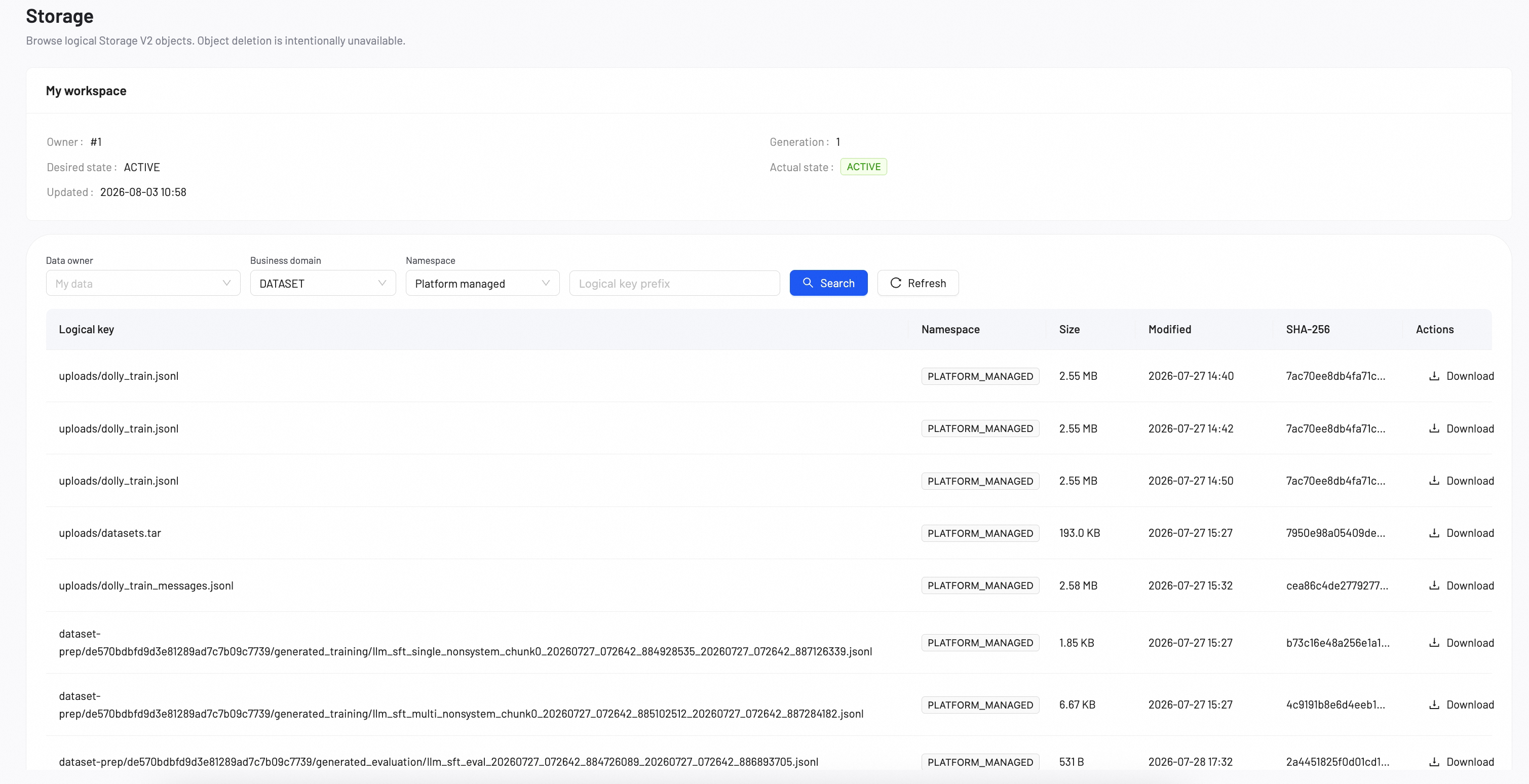
The Storage page provides a centralized view to browse logical Storage V2 objects and track file upload records across all members. To ensure data auditability and platform stability, object deletion is intentionally unavailable on this page.
Browse and download objects
You can locate and download files by configuring the following filters:
Data Owner: Filter files by the member who uploaded them. Select My data to view your own files, or select other team members to view their uploads.
Business Domain: Filter files by their platform function. Available options include: DATASET, EVALUATION, MYMODELS, TRAINING, MODEL, DEPLOYMENT.
Namespace: Filter files by their storage environment scope. Available options include: Platform managed, User workspace.